
How to reference Harvard style
Harvard style is an author-date system: in your text you give the author’s surname and the year of publication, adding page numbers for direct quotes, and at the end you list every source in full, in alphabetical order by author surname. Universities use slightly different versions, so follow your own university’s Harvard guide exactly.
What most advice leaves out
There is no single official Harvard style. Each university publishes its own version, and they differ in small details: punctuation, where the year goes, how to show online sources, whether titles are in italics. Students lose marks by copying a format from a random website or a generator set to a different version, then mixing it with their course’s rules. The pattern is the same everywhere; the details come from your university’s guide, and consistency matters as much as the format itself.
Step by step
- 1
Get your university’s guide
Find the Harvard guide your library or department publishes and use it for every detail. If your course specifies a different style, use that instead.
- 2
Record details as you read
For each source, note the author or organisation, year, title, and where it came from: the publisher for a book; the journal name, volume, issue and pages for an article; the web address and the date you accessed it for an online source.
- 3
Cite in the text
Each time you use a source, put the author’s surname and year in your sentence or in brackets. For a direct quote or a specific point, add the page number. Your guide will show how to handle two authors, several authors and organisations as authors.
- 4
Build the reference list
At the end, list every source you cited, and only those, in alphabetical order by the first author’s surname. Format each type of source exactly as your guide shows.
- 5
Check every pair
Before submitting, check that each in-text citation has a matching entry in the list, and that names and years match. Reference managers and generators help, but always check their output against the guide.
Common mistakes
- Following a Harvard format from a website instead of your university’s own guide.
- In-text citations with no matching reference list entry, or the other way round.
- Leaving references to the end and losing the details of sources you used.
Practise it with Migo AI Students
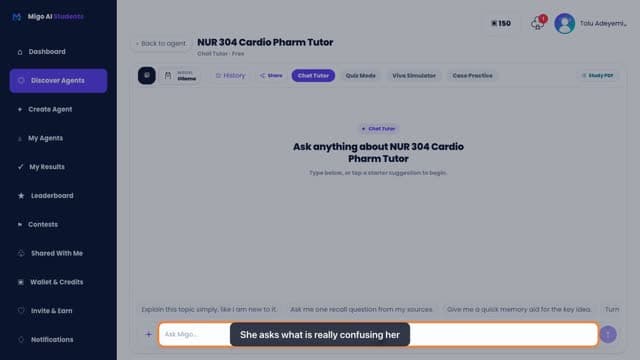
Migo is not a reference generator and does not format your reference list. If you upload your university’s referencing guide as a PDF in Study Document, you can work through it page by page and ask what a section means, and Chat Tutor can explain the difference between citing and referencing or how a reference list is ordered. Both are free. Always check the final format against the guide itself.
Questions
What is the difference between a reference list and a bibliography?
In Harvard style a reference list usually contains only the sources you cited. A bibliography may also include sources you read but did not cite. Check which your course asks for.
How do I reference a source with no author?
Most guides use the organisation as the author, or the title if there is no organisation. The exact rule varies, so look it up in your university’s guide.
Do I need page numbers in Harvard referencing?
Usually for direct quotes, and often when you refer to a specific point in a long work. Your university’s guide says when they are required.
Related guides
- How to find sources for an essayStart with your reading list and your library’s databases, search with specific terms, follow the references of the best sources you find, and check each source is credible and relevant before you use it.
- How to write a literature reviewWrite a literature review by searching systematically for research on your question, grouping what you find into themes or debates, evaluating the strengths and weaknesses of the evidence, and showing what is still unknown. It should synthesise sources, not summarise them one at a time.
- Order of an essayThe usual order of an essay is: title, introduction, body paragraphs, conclusion, then the reference list, with appendices at the very end if you have any. Inside the body, put your points in the order that best builds your argument.
General study advice. Follow your own course’s guidance and your institution’s rules on assessment and AI use.